Restaurant delivery management software: couriers, your own drivers or both
You don’t need a marketplace to deliver. Delivery management software sends your own website and phone orders out with an on-demand courier or your own drivers, for a fixed fee instead of commission. Here’s how it works and what to look for.
In short: delivery management software dispatches your direct orders (website, phone, POS) to an on-demand courier, your own drivers, or a mix of both, and gives customers a live tracking link. You pay a fixed courier fee per trip, which you can pass on, instead of a marketplace commission on the whole order.
What is delivery management software?
Delivery management software handles everything after a delivery order is placed: choosing who delivers it, booking the courier, tracking the trip, keeping the customer informed and recording the cost. For restaurants, it’s what makes delivering your own website orders practical without hiring a fleet.
Couriers, your own drivers, or both
| On-demand courier | Your own drivers | Mix mode | |
|---|---|---|---|
| Who delivers | A courier from DoorDash Drive or Uber Direct | Your staff | You choose per order |
| Cost | A fixed fee per trip | Wages and vehicle costs | Either, order by order |
| Best for | Unpredictable volume, no drivers on staff | Steady volume in a tight area | Using your team when free, couriers at peak |
| Tracking | Live tracking link for the customer | Depends on your system | Both |
How delivery fees work without commission
Marketplaces take a percentage of the food. A courier trip costs a fixed fee, so a $60 order costs the same to deliver as a $25 one. You decide how much of that fee the customer pays: a set fee by distance zone, a split based on order value, or 50/50.
What to look for
- Couriers booked automatically for every delivery order
- Website and POS orders dispatched from the same place
- Your own delivery zones, fees and minimum order
- A live tracking link sent to the customer by SMS
- A way to switch between couriers and your own drivers in a tap
- Easy refunds and issue reporting when something goes wrong
- Reporting on courier fees and who paid what
How OrderArt delivery works
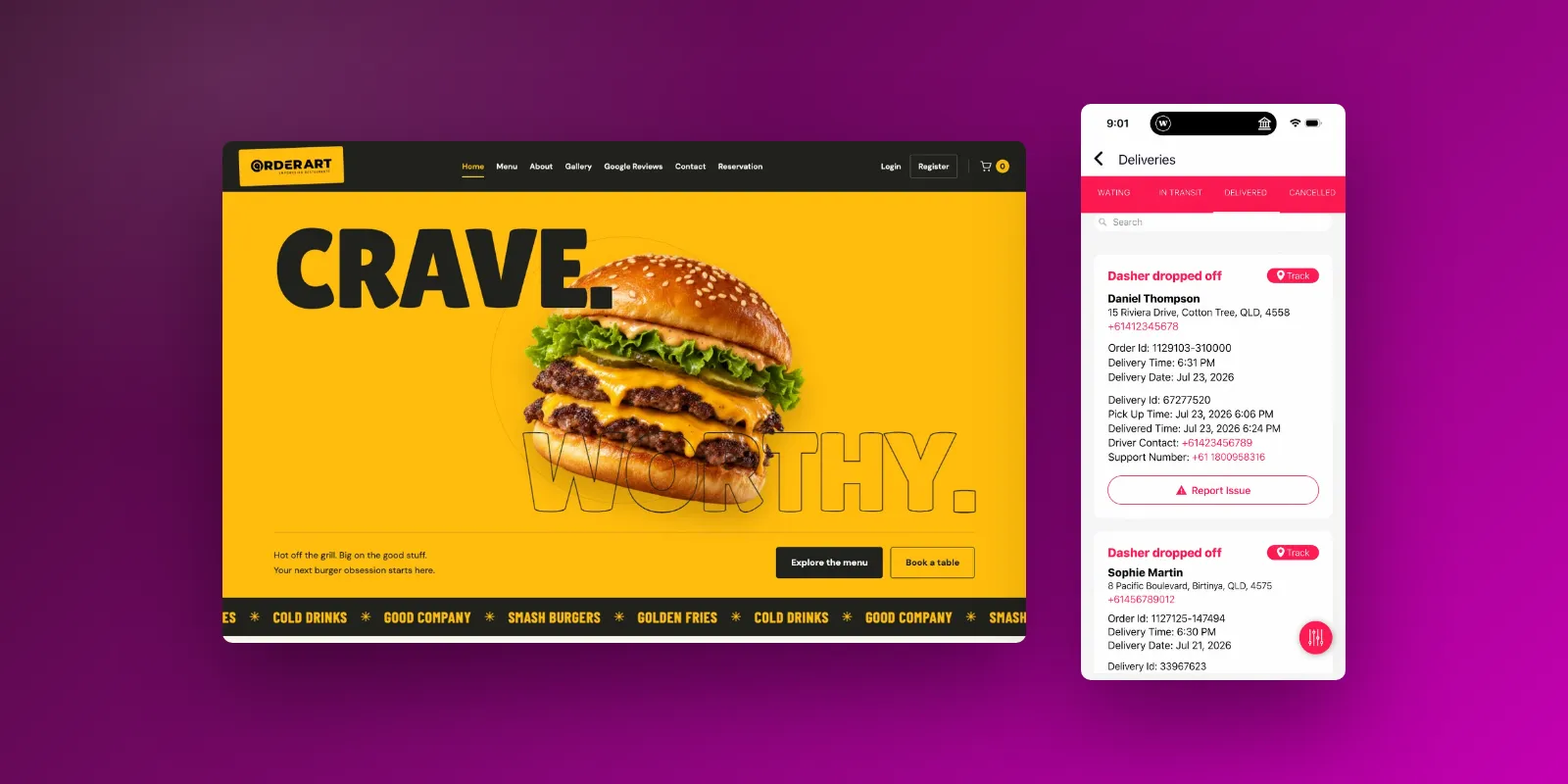
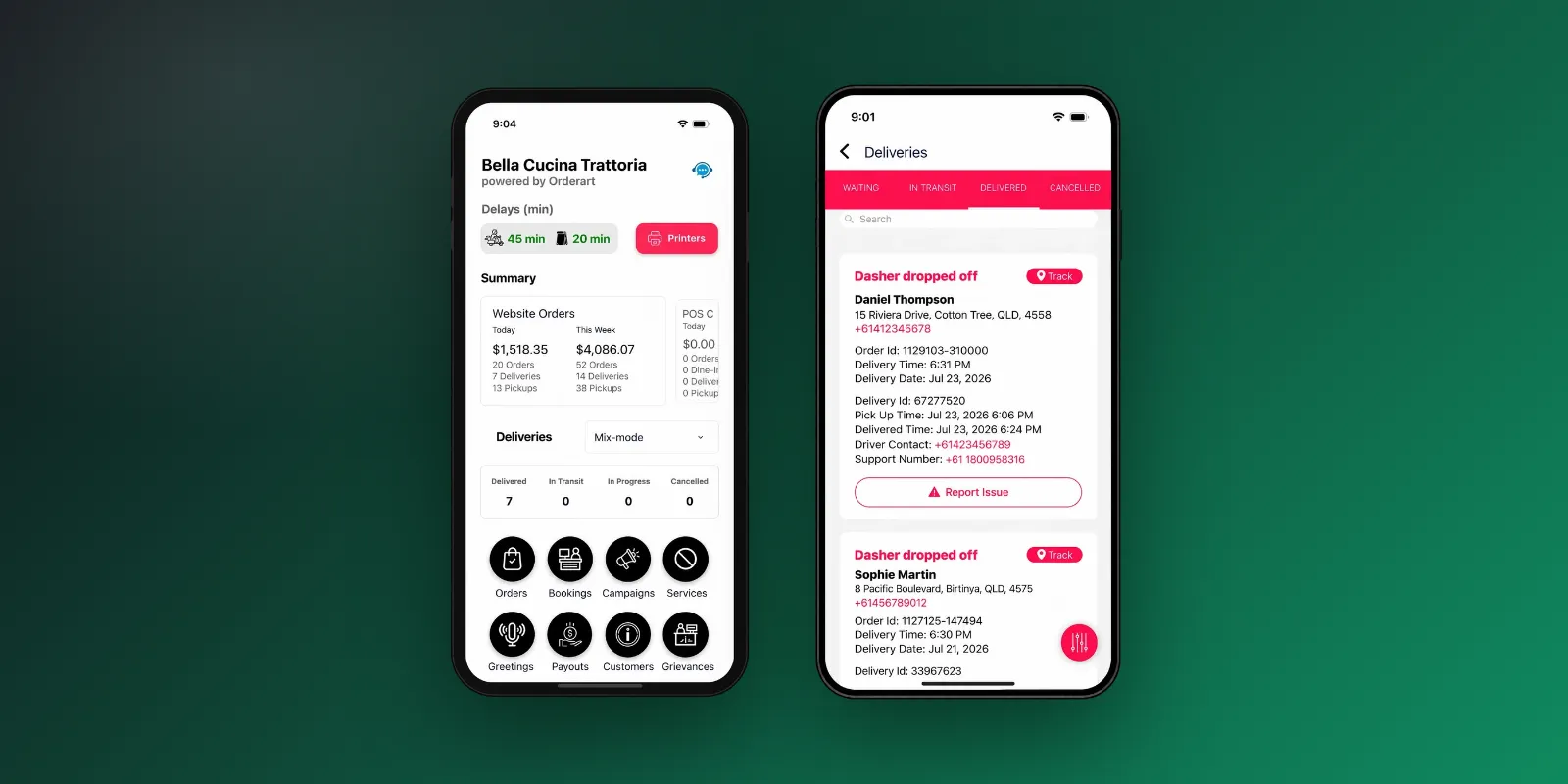
OrderArt connects with DoorDash Drive and Uber Direct and requests a driver automatically for every delivery order from your website or POS, with $0 commission. You can also assign your own drivers from the POS. From the Admin app you switch between 3rd party, in-house and Mix mode, where you pick the driver for each order. Guests get the courier’s live tracking link by text, and if a 3rd party rider is at fault you can report the issue and claim a full order refund in a few clicks. Every delivery is reported with its courier fee and who paid what. See how delivery works.
Frequently asked questions
Can I deliver my own website orders without Uber Eats?
Yes. Delivery management software books an on-demand courier, such as DoorDash Drive or Uber Direct, for each order, for a fixed fee rather than commission.
Who pays the delivery fee?
You decide. Charge the customer a set fee by distance, split it by order value, share it 50/50 or cover it yourself.
Can I use my own drivers and couriers together?
Yes. In Mix mode you choose per order whether your own driver or a courier takes the delivery.
What happens if a courier delivers late or loses an order?
With OrderArt you can report the issue from the delivery card and claim a full order refund when a 3rd party rider is at fault.