How to choose a restaurant POS system in Australia (2026 guide)
The right point of sale saves your team time every shift; the wrong one costs you in fees, workarounds and lock-in. This guide covers what a restaurant or café POS should do in 2026, what it really costs, and the questions to ask before you sign.
In short: choose a cloud-based POS built for hospitality that works offline, runs on a handheld as well as the counter, connects to your kitchen, online ordering and delivery apps, and lets you choose your payment provider. Compare the total monthly cost of the features you need, not the headline plan price.
What is a restaurant POS system?
A restaurant POS (point of sale) is the system your team uses to take orders, send them to the kitchen and take payment. A modern cloud-based POS also runs your menu, tables, bookings, loyalty and reporting from one back office you can reach from anywhere, and keeps every device in sync.
The features that matter for restaurants and cafés
Quick menus, modifiers, deals and half-and-half items, so busy staff don’t hunt for buttons.
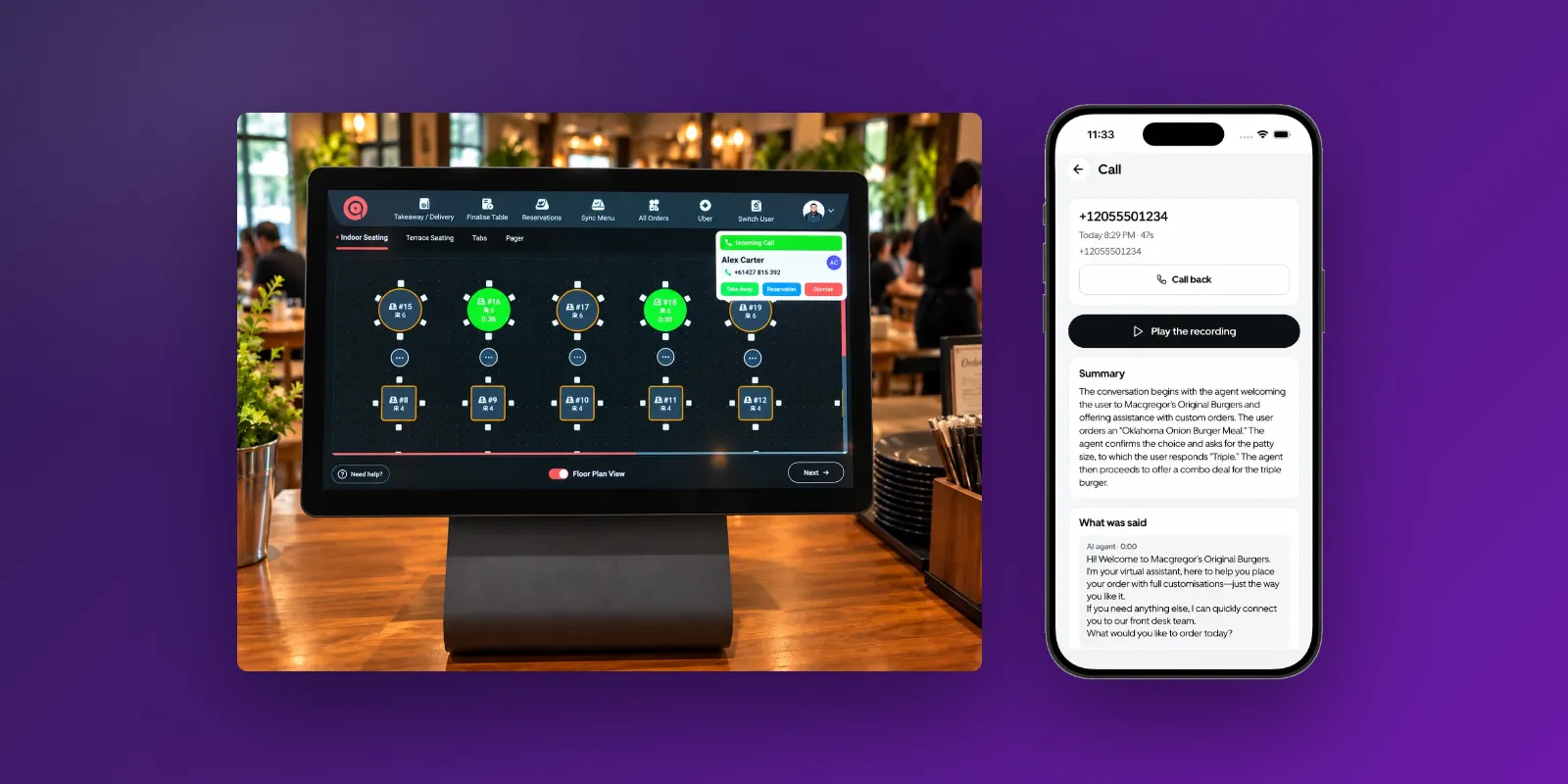
Start orders from the floor plan, move and merge tables, and split bills by item or evenly.
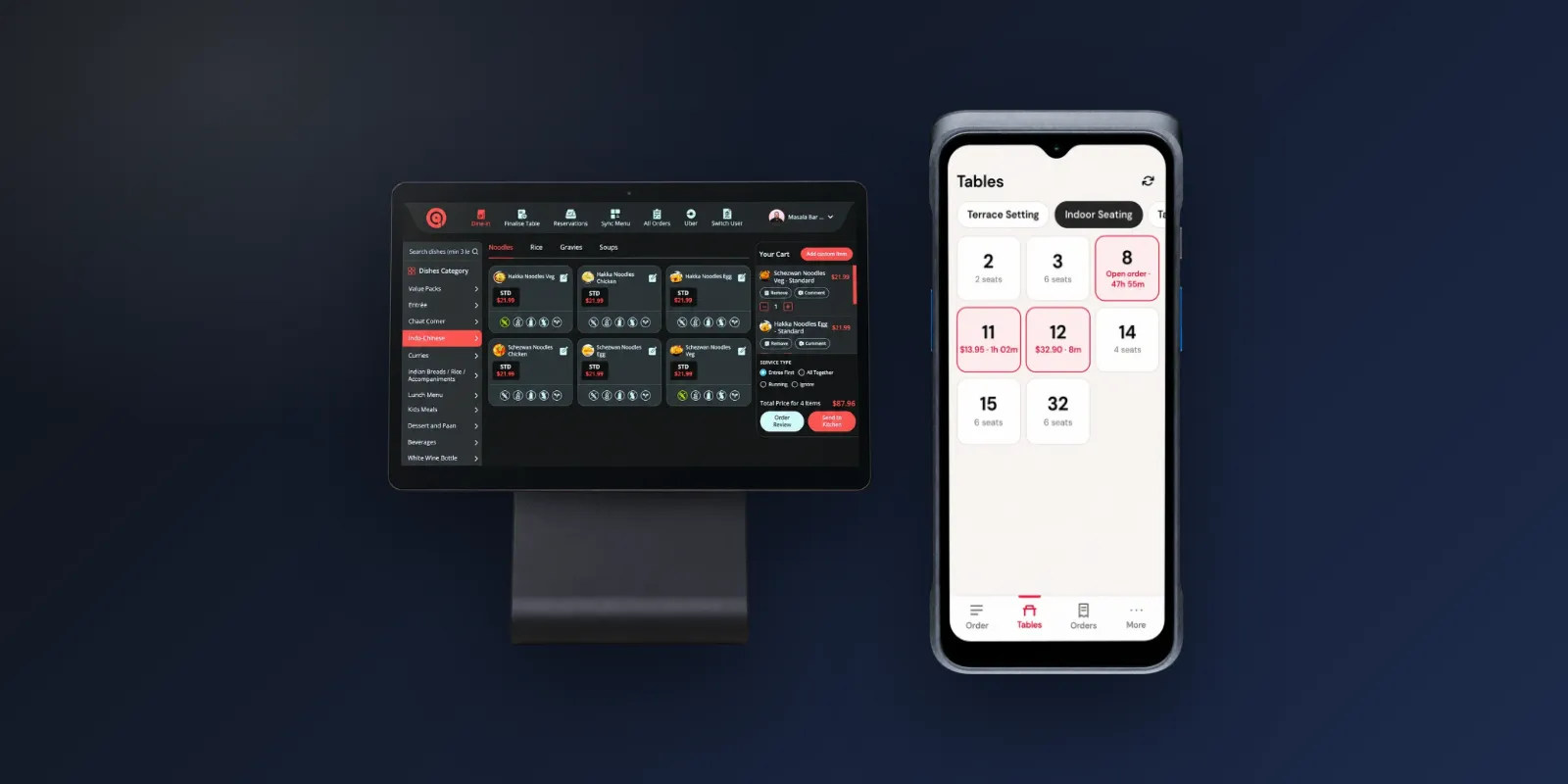
Take orders and payment at the table, so staff spend less time walking to the counter.
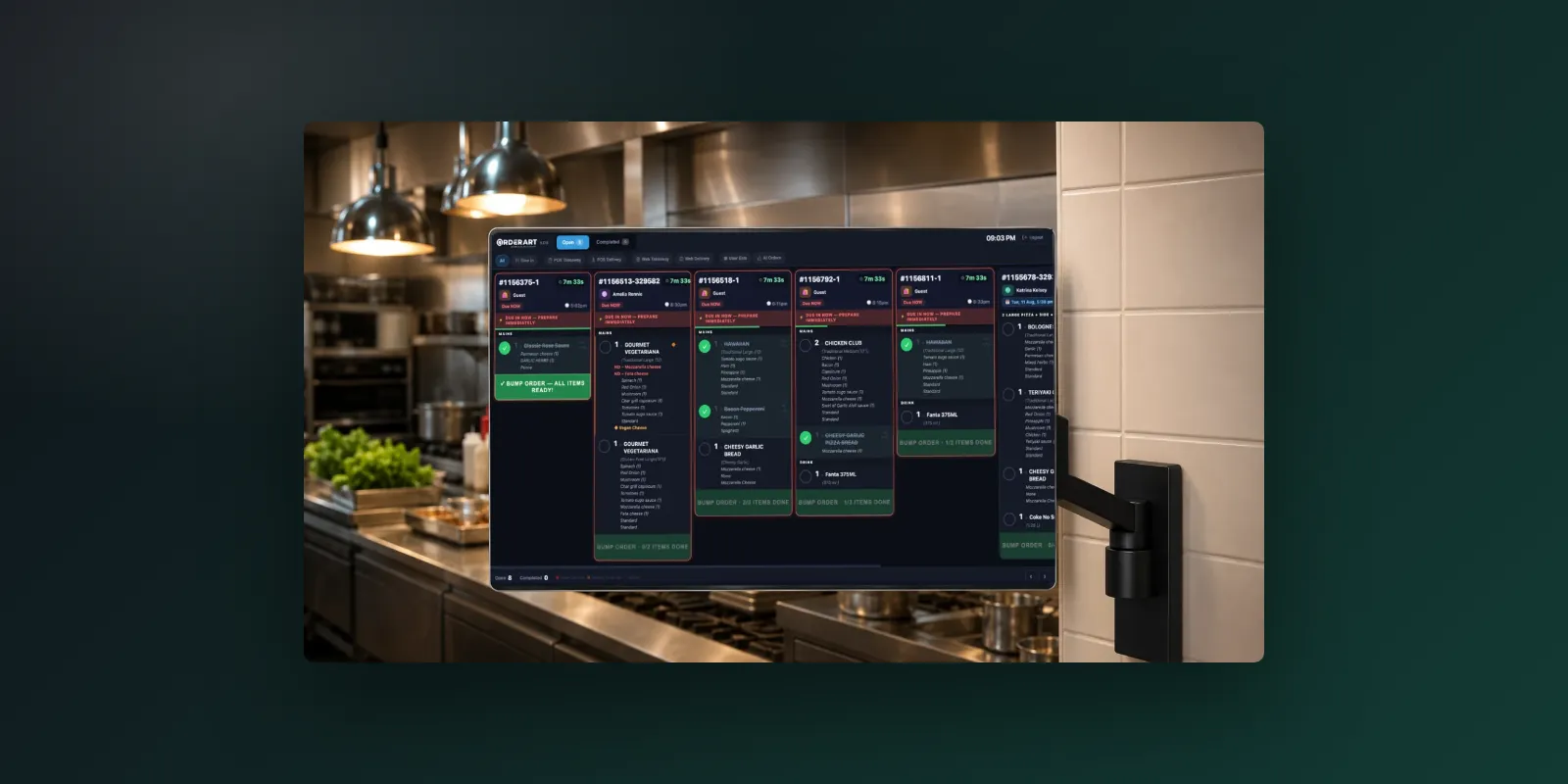
Orders reach the right station instantly, with timers as tickets age.
When the internet drops, keep taking orders and printing dockets, then sync when you’re back online.
Dine-in, takeaway, your own online ordering, phone orders and Uber Eats in one queue.
What cafés need in particular
A café point of sale lives or dies on speed at the counter: one-tap coffee modifiers (milk, size, extra shot), a customer-facing screen, quick Tap & Pay, and a simple loyalty card, such as “buy 9 coffees, get the 10th free”, that staff can apply without thinking.
What a restaurant POS really costs
Headline plan prices are only part of the cost. Add up all of these for a like-for-like comparison:
| Cost | What to check |
|---|---|
| Software | The monthly plan per location, and what it actually includes. |
| Add-ons | Kitchen display, online ordering, reservations, loyalty, marketing and kiosks are often extra. |
| Card payments | The rate per transaction, and whether you must use the provider’s own payments. |
| Hardware | Terminals, handhelds, kitchen screens and printers: buy, finance or bring your own. |
| Contract | Month-to-month or a fixed term, and any early-termination fees. |
| Setup and support | Menu build, installation, training and Australian support hours. |
Payments: the question most venues forget to ask
Some POS systems only work with their own card payments, and some charge a fee if you use another provider. Others integrate with independent EFTPOS providers so you can keep your bank’s terminal. Ask directly: “Can I use my own EFTPOS provider, and is there a fee if I do?”
Questions to ask every POS provider
- Does it keep working offline, and what happens to card payments when the internet drops?
- Can I take orders and payment on a handheld at the table?
- Which delivery apps and online ordering does it connect to, and at what cost?
- Can I choose my payment provider?
- Is it month-to-month or a fixed contract?
- Who builds my menu and trains my team, and how long does switching take?
- Where is support based, and when is it available?
How OrderArt POS compares
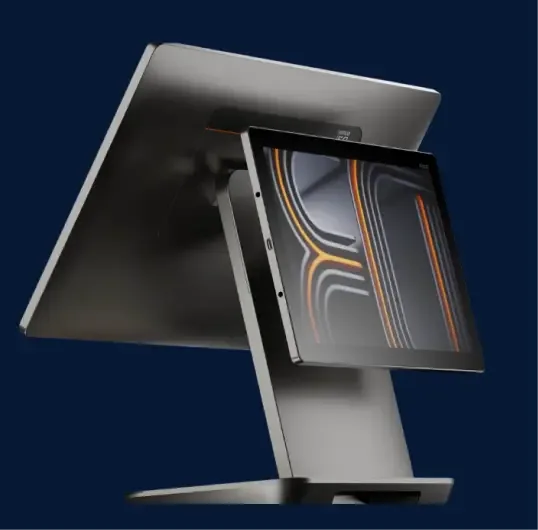
OrderArt POS is a cloud-based hospitality POS for restaurants, cafés and takeaways, from $50 a month + GST, month-to-month. It runs on a countertop dual-screen and the OrderArt Handheld POS, or on Windows, Apple and Android hardware you already have. It includes offline mode, Tap & Pay, split payments, bookings, loyalty and a kitchen display, and Uber Eats orders flow straight in. You can use OrderArt payments at 0.9% per transaction or bring your own EFTPOS terminal through Linkly, which works with 15 bank partners in Australia and New Zealand. For side-by-side detail, see how OrderArt compares with Square, Lightspeed, Toast and others.
Frequently asked questions
What is the best POS system for a small restaurant in Australia?
The best one is the system that fits how you serve: fast ordering, tables if you have them, offline mode, the delivery apps you use, and a payment option that suits you, at a total monthly cost you’re comfortable with. Shortlist two or three and ask for a demo with your own menu.
Is a cloud-based POS safe if the internet goes down?
Look for an offline mode. With OrderArt, the countertop and handheld keep taking orders and printing dockets when the connection drops, then upload the saved orders automatically when you’re back online.
Can I use an iPad or my existing tablet?
Many cloud POS systems run on hardware you already have. OrderArt POS runs on Windows, Apple and Android devices, or on OrderArt’s own countertop and handheld hardware.
How long does it take to switch POS?
With a provider that builds your menu and sets up your printers and kitchen screens for you, most venues switch without closing. Ask for a written onboarding plan and a training session before go-live.