Restaurant reservation software: how to choose one and cut no-shows
Good reservation software fills tables without filling your phone line, and protects you from the four-top that never turns up. Here’s what a restaurant booking system should do, how card deposits work, and what to check before you choose one.
In short: restaurant reservation software takes bookings from your website, phone and walk-ins, shows them in one book, sends reminders and can hold a card deposit to discourage no-shows. Choose one that’s built into your website and POS, so bookings, tables and guest spend live in the same place and you don’t pay per cover.
What is restaurant reservation software?
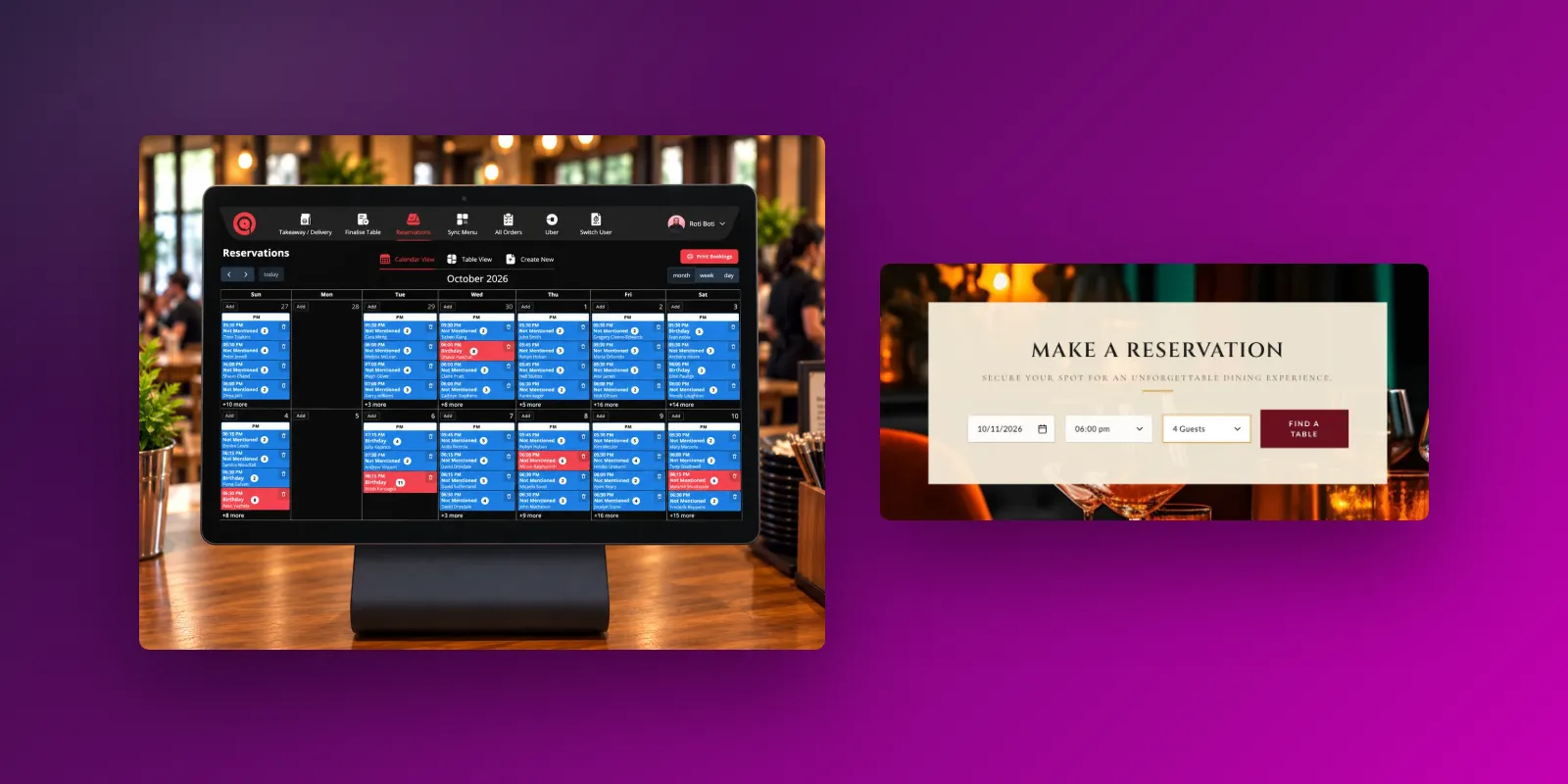
Restaurant reservation software (a table reservation system or booking platform) lets guests book a table online and lets your team manage every booking in one place: who’s coming, when, how many, any special requests, and which table they’re on.
What a booking system should do
Your website, phone calls, social links and walk-ins, all landing in one book.
Limit bookings or covers per time slot, so the kitchen isn’t hit by twelve tables at 7pm.
Automatic SMS reminders, with a link to check or change the booking.
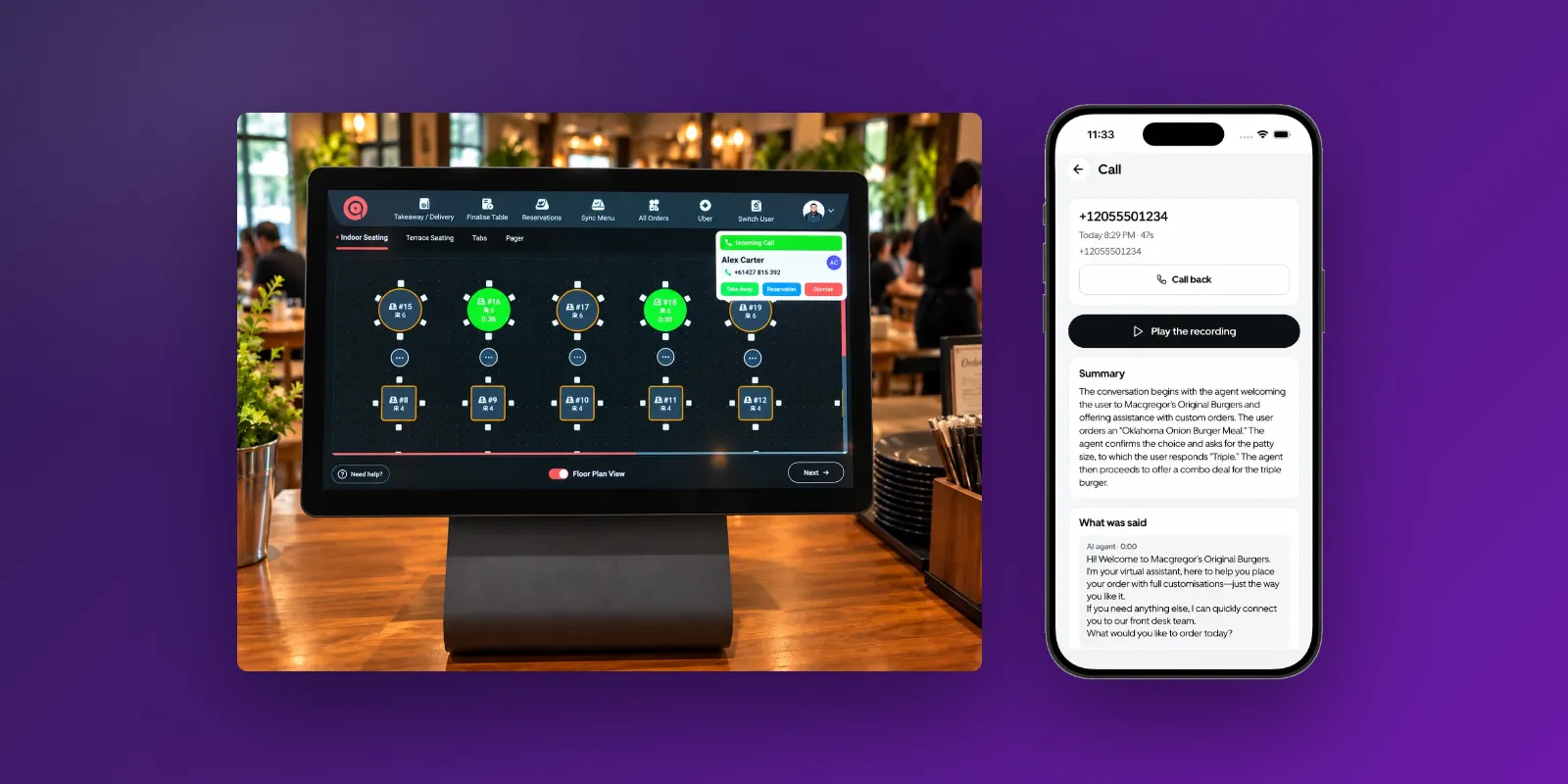
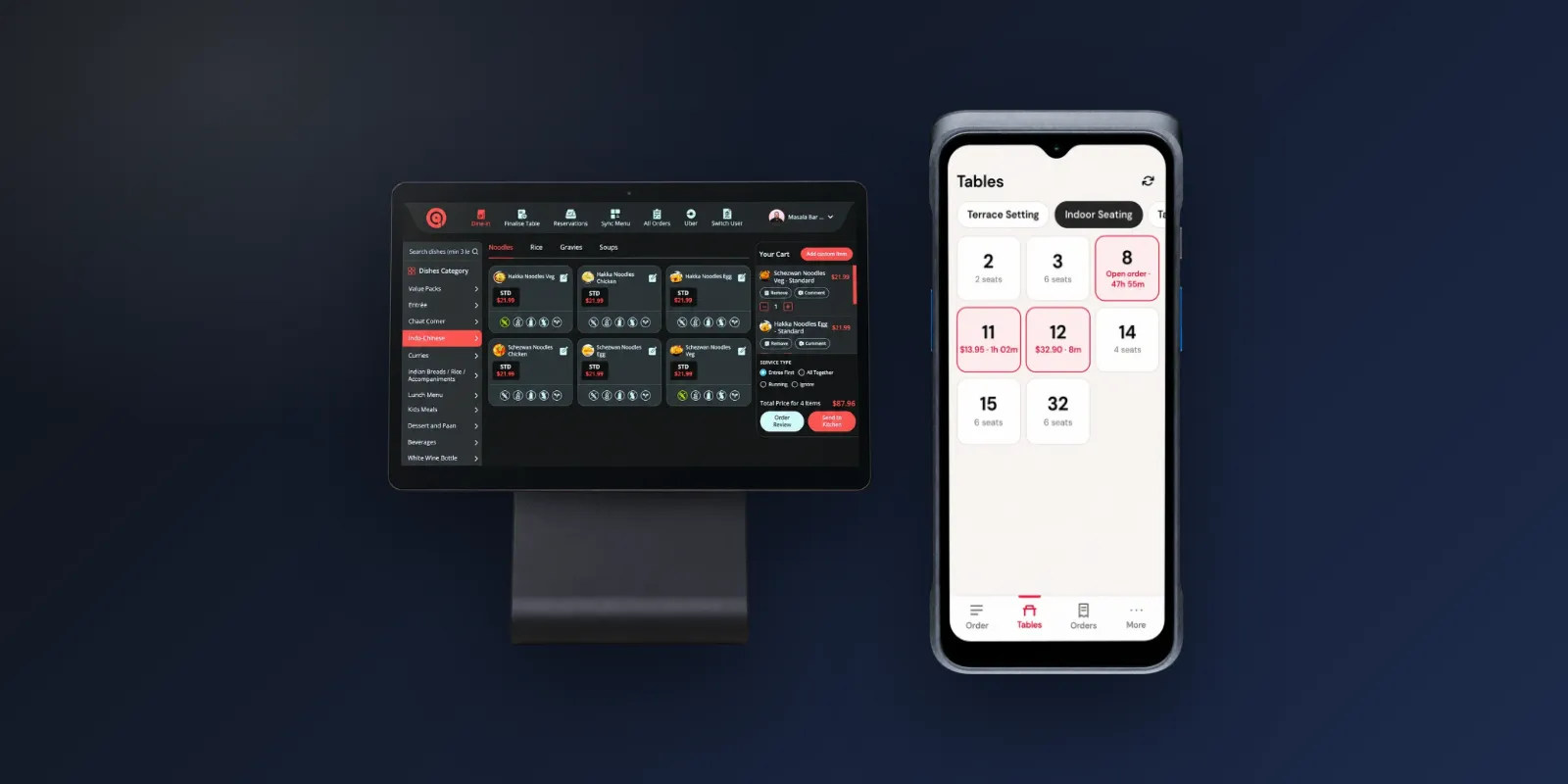
Seat bookings on your floor plan ahead of arrival, from the POS.
How card deposits reduce no-shows
A no-show deposit holds the guest’s card details when they book. Nothing is charged unless they don’t turn up and you decide to charge. Many venues only switch deposits on when it matters: big groups, Friday and Saturday nights, or special dates like Valentine’s Day and Mother’s Day.
- Set rules by date, weekday, time or party size
- Tell guests clearly when they book
- Charge only when you decide a booking was a no-show
Booking platform vs your own booking system
| Third-party booking platform | Booking system on your own website | |
|---|---|---|
| Where guests book | On the platform’s site or app, alongside other venues | On your website, under your brand |
| Fees | Often per cover or per booking, plus a subscription | Usually part of your website or POS plan |
| Guest data | Shared with, or held by, the platform | Yours |
| Discovery | Can bring new guests who browse the platform | Relies on your Google listing, website and socials |
Many venues use both: a platform for discovery, and their own website for regulars and anyone who searches their name.
Questions to ask
- Is there a per-cover or per-booking fee?
- Can guests book by phone even when you’re too busy to answer?
- Do bookings show on the POS and floor plan, or in a separate app?
- Can you hold card deposits, and set rules for when they apply?
- Are reminders and change links sent automatically?
- Can you see what each guest spends, so you can invite regulars back?
How OrderArt handles bookings
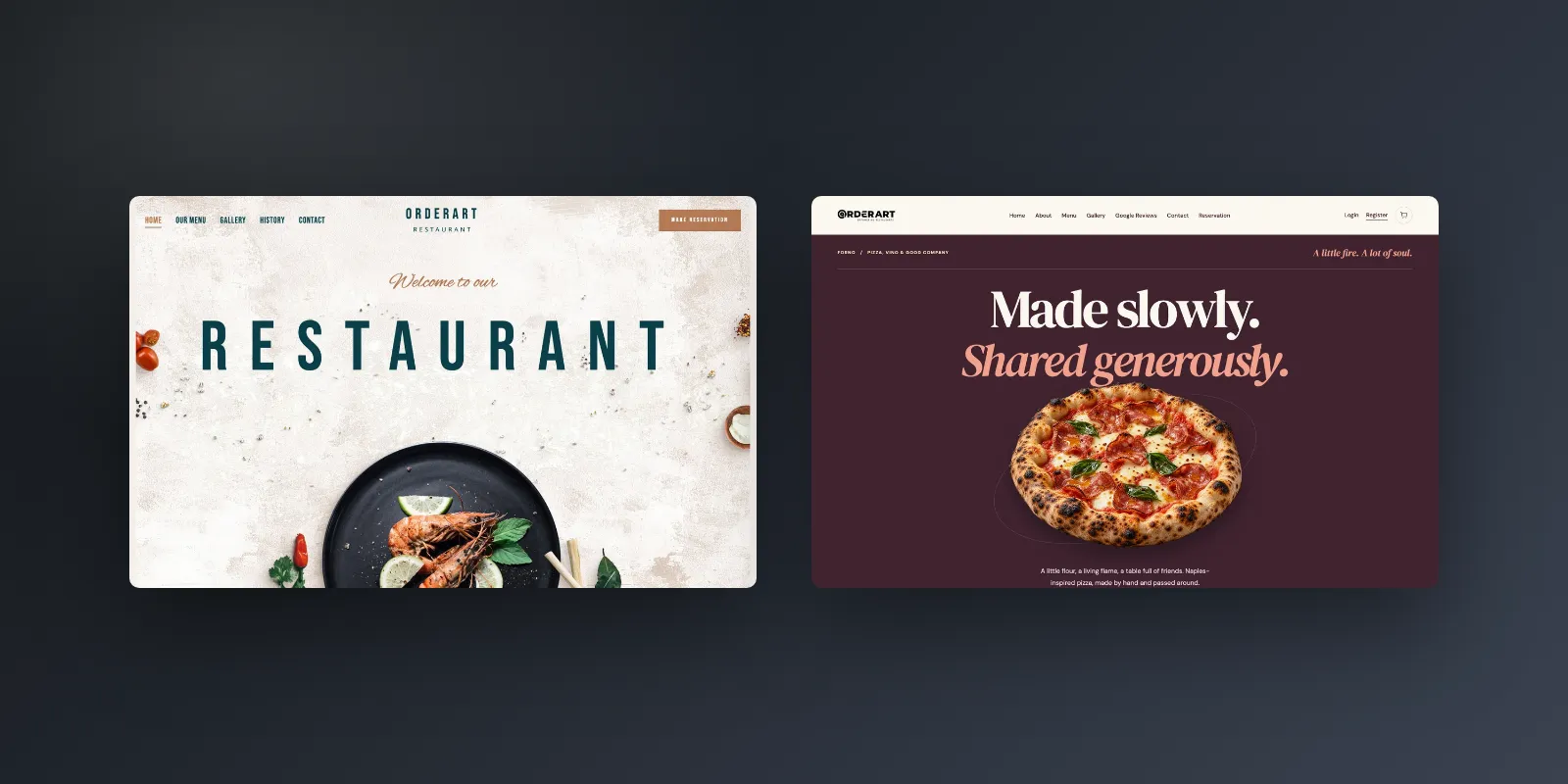
Every OrderArt website theme has reservations built in, with no commission on bookings. Guests book online with special requests and get an email and SMS with a link to check or update their booking. Bookings print on your front-of-house printer, appear in the Admin app’s list and calendar view, and can be accepted, rejected and assigned to tables on the POS. Automatic SMS reminders cut no-shows, card deposits can be held and charged only if you decide it’s a no-show, and the AI receptionist takes bookings over the phone too.
Frequently asked questions
How do restaurants reduce no-shows?
Send automatic reminders with an easy way to cancel or change, and hold a card deposit for busy nights and big groups, charged only if the guest doesn’t show.
Do I pay per cover for reservations with OrderArt?
No. Reservations are built into the OrderArt website and POS, with no commission on bookings.
Can guests book by phone after hours?
Yes, with an AI receptionist. It answers the call, checks your booking rules and records the reservation.
Can I limit how many people book at once?
Yes. Pace service with rules by time slot, number of bookings or covers.