Google Business Profile for restaurants: the 2026 checklist
For most restaurants, the Google Business Profile is the first thing a hungry customer sees, before your website and before any app. Here’s what Google ranks local results on, and a checklist for getting your profile right.
In short: Google ranks local results on relevance, distance and prominence. You can’t move your venue, but you can make your profile complete and accurate, point its order, menu and booking links at your own website, add fresh photos and posts, and reply to every review.
What Google ranks local results on
Google says local results are based mainly on three things (Google Business Profile Help):
How well your profile matches the search. Complete, detailed information helps Google match you.
How far you are from the person searching, or the location in their search.
How well known you are, including links to your website and your reviews.
The restaurant profile checklist
Get the basics right
- Verify your business (you can’t reply to reviews until you do)
- Choose the most specific primary category, such as “Italian restaurant” rather than “Restaurant”
- Keep hours current, including public holidays and special hours
- Use the same name, address and phone number as your website
- Fill in attributes: dine-in, takeaway, delivery, outdoor seating, accessibility
Point the links at your own website
Your profile’s order online, menu and reservations links decide where customers go. If they point at a marketplace, you pay commission on orders that would have come to you directly. Check these links regularly, because they can change.
Keep it fresh
- Add real photos of dishes, the dining room and the front of the venue
- Post specials, events and seasonal menus
- Answer questions guests ask on your profile
- Reply to reviews, good and bad
Reviews and your ranking
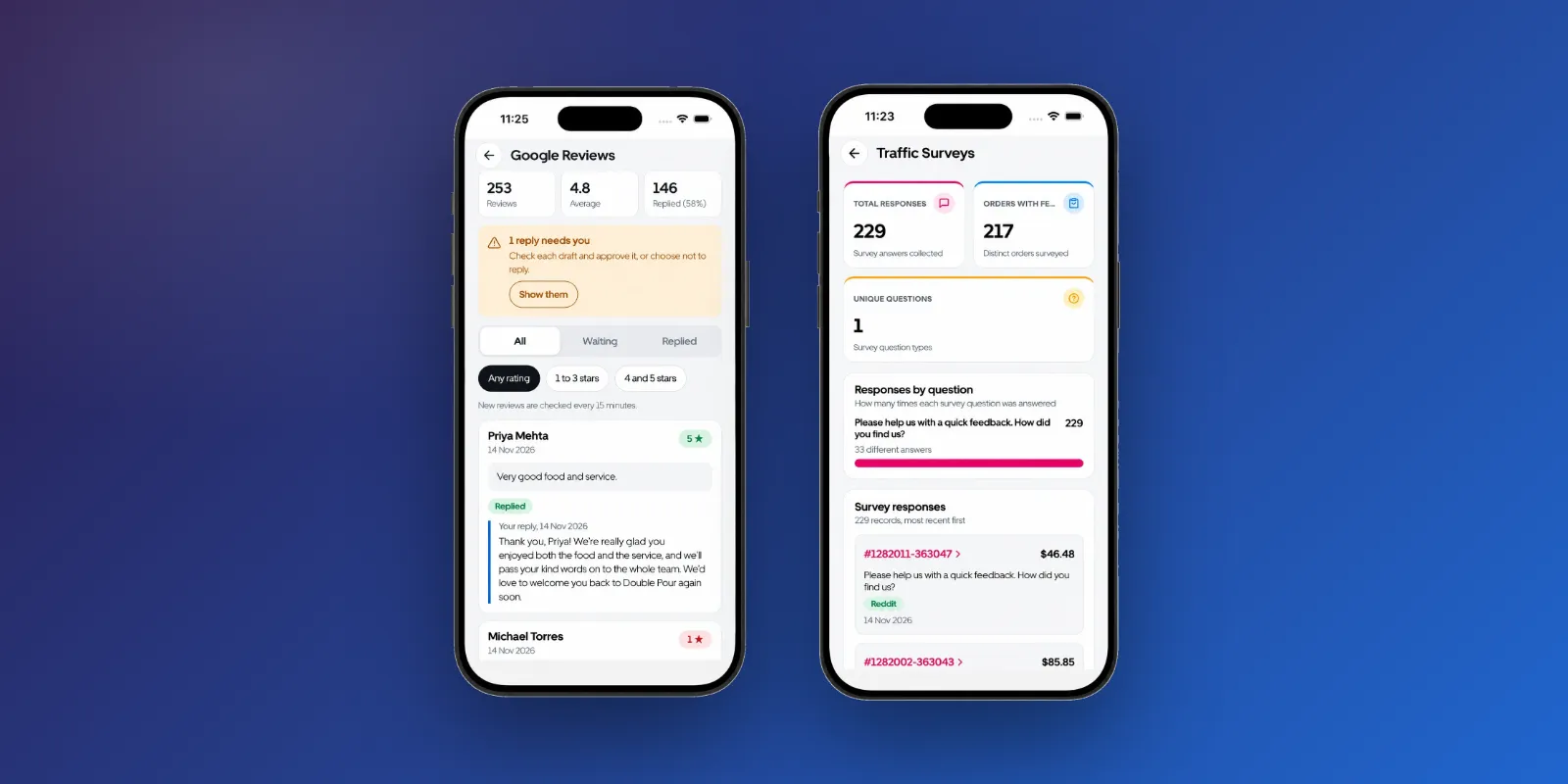
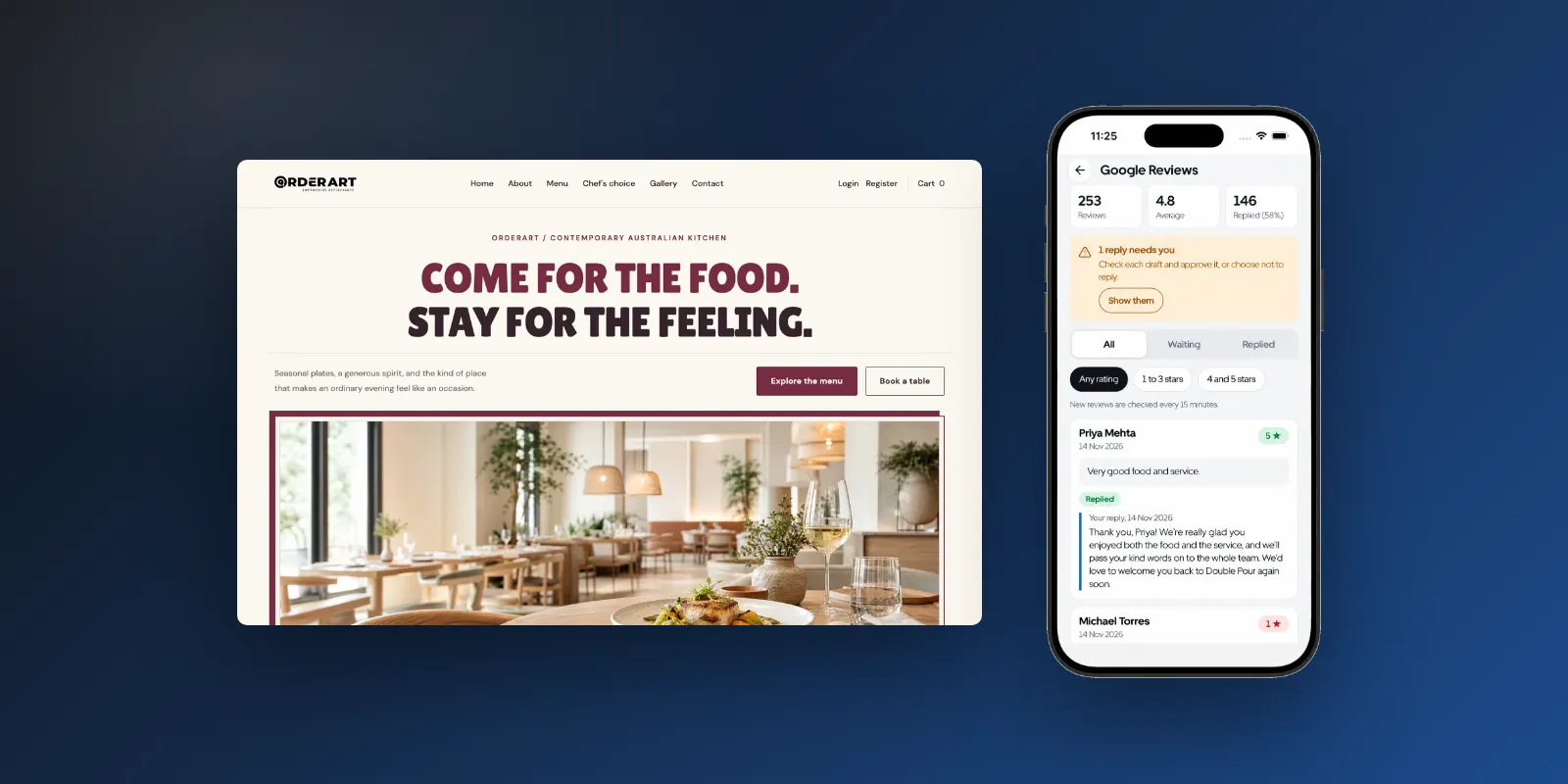
Google notes that replying to reviews shows you value feedback, and that positive reviews and helpful replies can help your business stand out. Ask every guest for a review: Google’s policies don’t allow you to offer incentives for reviews or to ask only happy guests (Google Maps user-contributed content policy). See our guide to responding to Google reviews.
Your website still matters
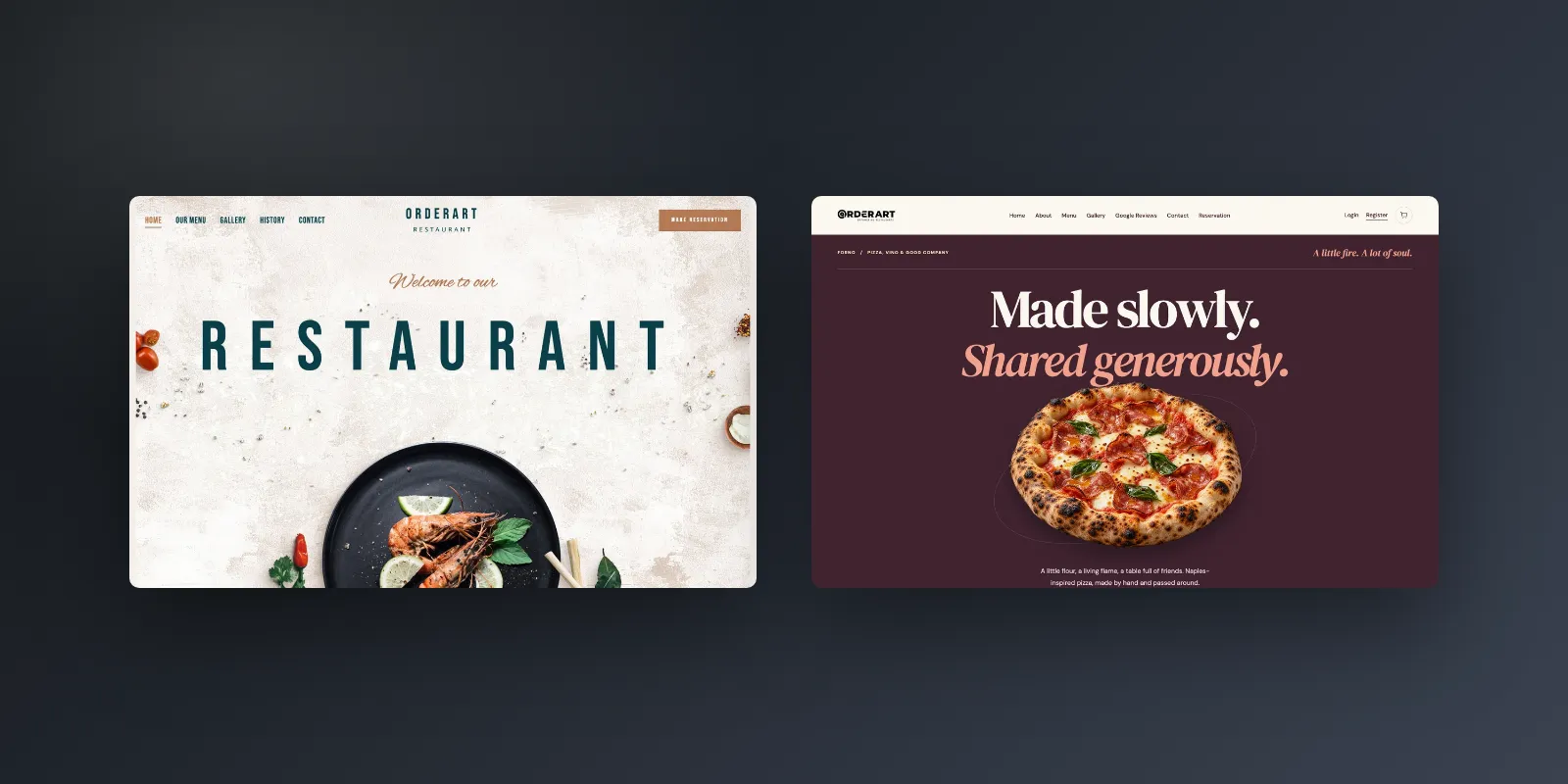
Prominence includes links to your website, and your profile links customers to it. A fast website on your own domain, with your menu as real text, online ordering and bookings, turns profile visits into orders without a marketplace in between.
How OrderArt helps
OrderArt’s Google & AI SEO service is free for the first month, then $199 a month + GST. It covers weekly Google Business Profile posts, suburb and dish pages, listings, links, AI SEO and monthly reporting. OrderArt also monitors the order, menu and booking links on your Google Business Profile around the clock and alerts the team if one changes. See Google & AI SEO.
Frequently asked questions
How do I get my restaurant to the top of Google Maps?
You can’t pay for organic Maps rankings. Make your profile complete and accurate, choose the right category, keep photos and posts fresh, earn and reply to reviews, and link to a fast website on your own domain.
Should my Google “Order online” button point to Uber Eats?
Only if you want to pay commission on those orders. Pointing it at your own ordering website keeps the customer and the margin.
How often should I post on my Google Business Profile?
Whenever you have something worth sharing: a weekly special, an event or a seasonal menu. Regular, genuine updates keep the profile current.
Can I ask customers for Google reviews?
Yes, but ask everyone, not only guests you think are happy, and never offer a discount or freebie in exchange. Both are against Google’s policies.