How to respond to Google reviews: a guide for restaurants and cafés
Every Google review is a public conversation: the guest who wrote it reads your reply, and so does everyone deciding where to eat tonight. Here’s how to reply to five-star praise and one-star complaints, what Google allows, and how to stay on top of it.
In short: reply to every review, quickly and personally. Thank happy guests by name and mention what they enjoyed; for complaints, apologise, don’t argue, and take it offline with a way to make it right. Never offer incentives for reviews or ask only happy guests, which Google’s policies don’t allow.
Why replying matters
Google says replying to reviews shows customers you value their feedback, and that positive reviews and helpful replies can help your business stand out (Google Business Profile Help). Your replies are also read by every future guest who checks your reviews before booking.
You need a verified Business Profile before you can reply (Google).
How to reply to a positive review
- Thank them by name
- Mention something specific they enjoyed
- Invite them back, perhaps for something they haven’t tried
- Keep it short and in your own voice
Example: “Thanks so much, Priya! We’re glad the slow-cooked lamb hit the spot. Next time, save room for the tiramisu. See you soon, the team at Napoli.”
How to reply to a negative review
- Stay calm and polite. Never argue in public, even if you disagree.
- Apologise for the experience. You can do this without admitting every detail.
- Show you’ve listened. Mention the specific issue.
- Take it offline. Give a direct way to reach the manager.
- Fix what you can. If the review points to a real problem, fix it in the venue too.
Example: “Hi Sam, we’re sorry your Friday pickup was 25 minutes late; that’s not the service we aim for. Please email manager@yourvenue.com.au so we can make it right. Thank you for telling us.”
What Google’s policies don’t allow
Google’s rules for reviews (Google Maps user-contributed content policy) say businesses must not:
- offer incentives, such as payment, discounts or free items, in exchange for a review or for changing or removing a negative one
- discourage negative reviews, or selectively ask only happy customers for reviews
- post or pay for reviews that don’t reflect a genuine experience
The safe approach is simple: ask every guest for honest feedback, and make it easy to leave a review.
Catch problems before they become reviews
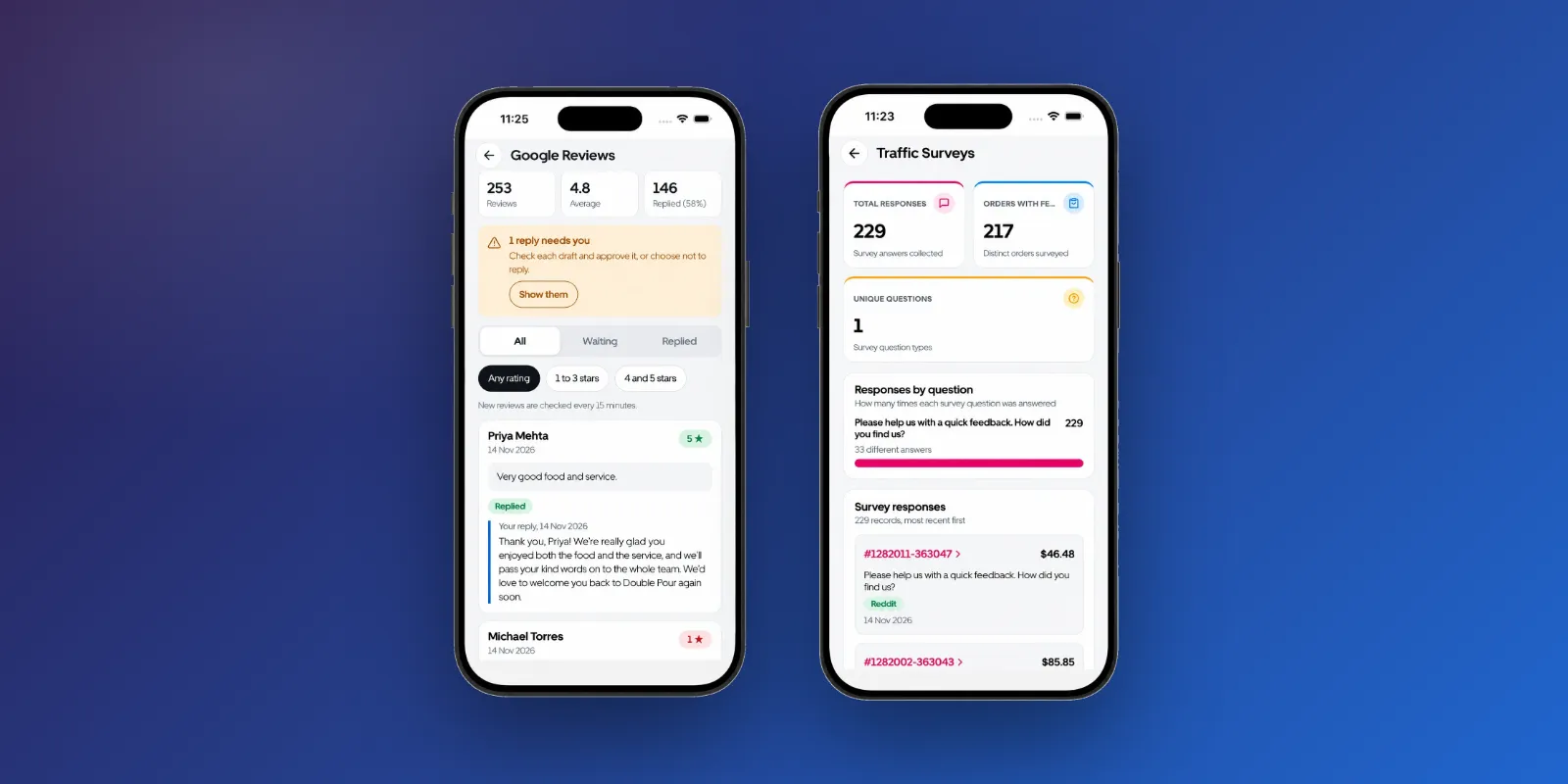
A quick survey after each order lets unhappy guests tell you directly. If you follow up straight away, you can often fix the problem before the guest leaves a public review, as long as you still invite every guest to review you on Google.
Use AI to keep up
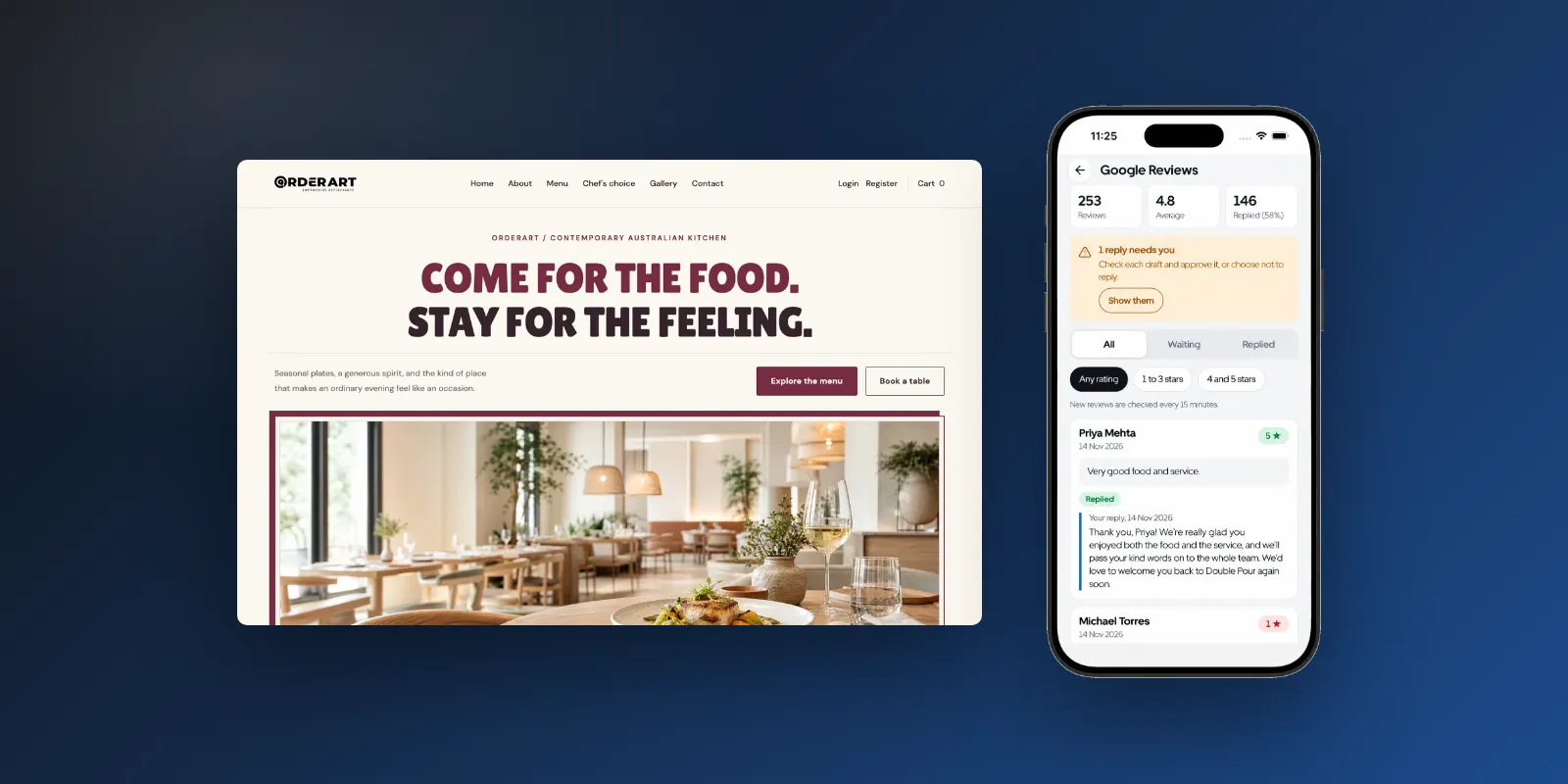
Replying to every review takes time. AI can draft a personalised reply as soon as a review arrives, so you only check, edit and approve. OrderArt’s Smart Marketing Hub brings every Google review into the Admin app with an AI-written reply ready to go. You can approve it, tweak it or choose not to reply. New reviews are checked every 15 minutes, and drafts that need your attention are flagged for approval.
Frequently asked questions
Should restaurants reply to every Google review?
Ideally, yes. Short, genuine replies to positive reviews and calm, helpful replies to complaints show future guests you care.
Can I delete a bad Google review?
No. You can report a review that breaks Google’s policies, such as spam or a review that isn’t about a real experience, but you can’t remove a genuine one. A good reply is your best response.
Can I offer a discount for a Google review?
No. Google’s policies don’t allow incentives in exchange for reviews.
Is it OK to use AI to reply to reviews?
Yes, as long as replies are accurate and personal. Review each AI draft before it’s posted, especially for complaints.