Digital menu boards and restaurant signage: a practical guide
Digital menu boards and window screens let you change prices, push today’s special and switch from breakfast to dinner without reprinting a thing. Here’s how to choose the right screens, what content works, and what it costs.
In short: restaurant digital signage is a set of screens (menu boards, window displays and outdoor signs) running content you can update and schedule remotely. The right setup puts bright, sun-readable screens where passers-by look, clear menu screens where guests decide, and a schedule that changes the offer through the day.
What is restaurant digital signage?
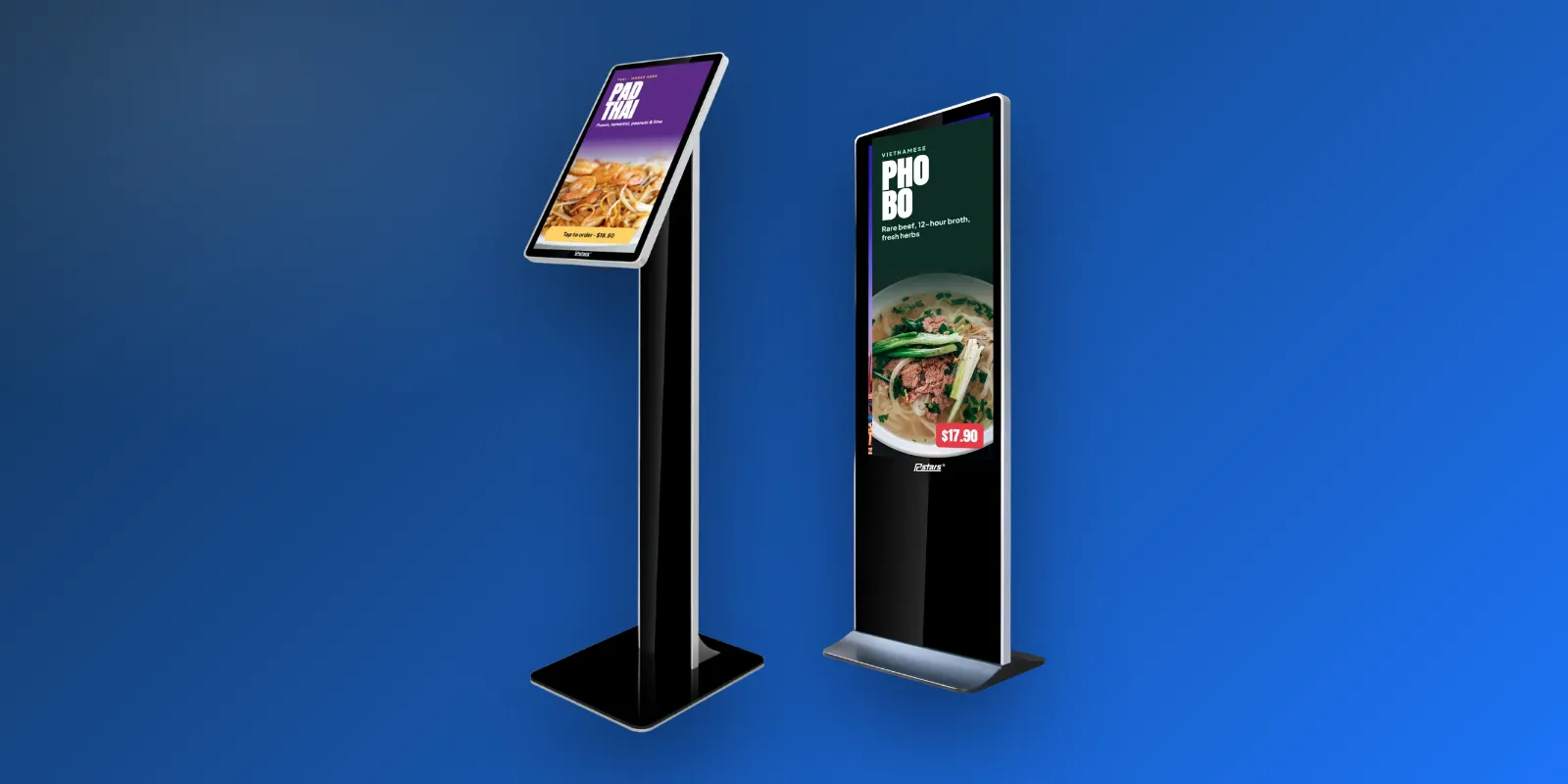
Digital signage replaces printed posters and menu boards with screens. A digital menu board shows your menu and prices above or beside the counter; a window display faces the street to pull in walk-ins; and outdoor digital displays sit on the footpath or a wall. Content is managed from the cloud, so one change can update every screen.
Where screens earn their keep
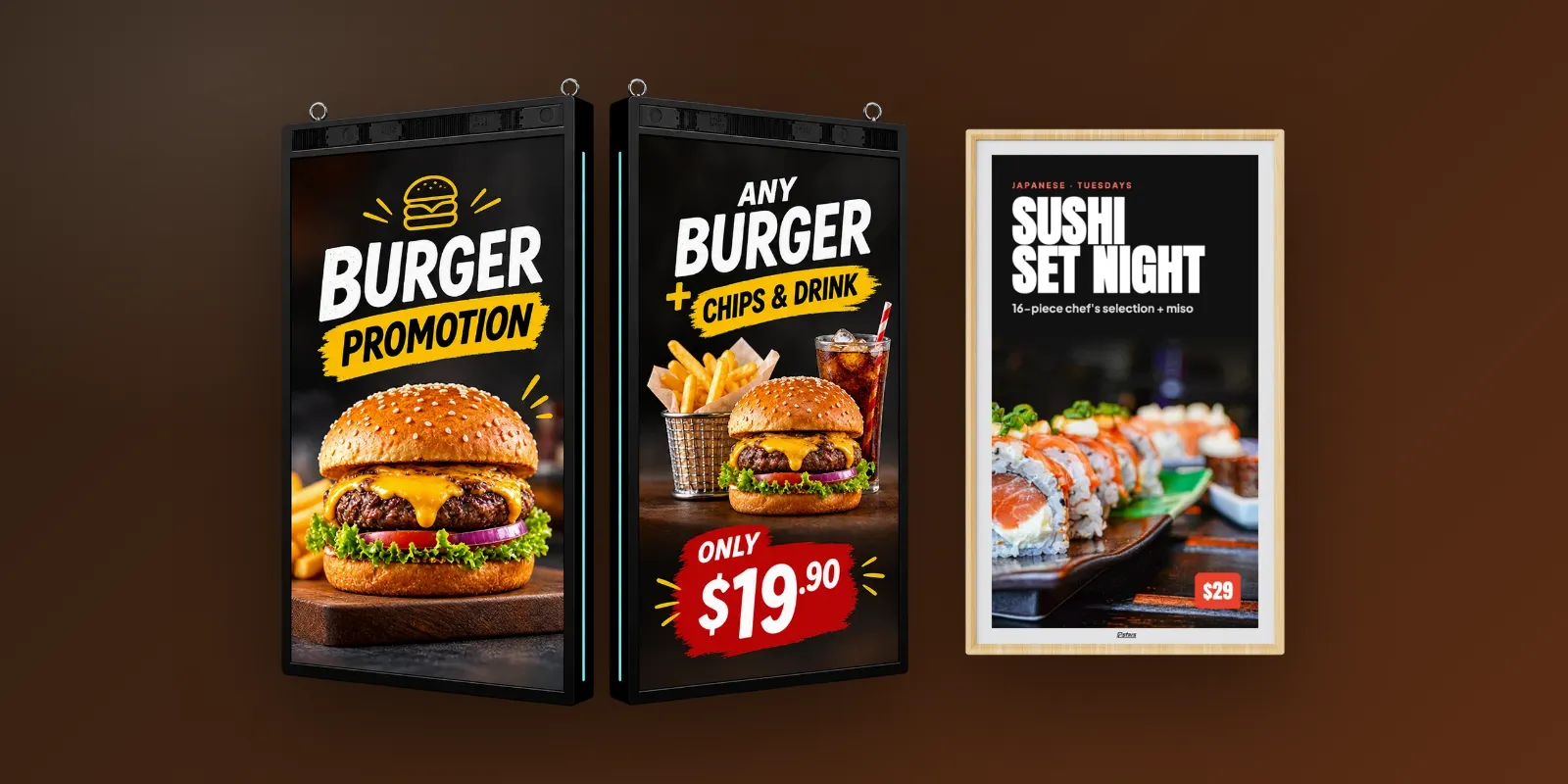
The street-facing side needs to be bright enough to read in direct sun. Double-sided displays show one offer to the street and another to guests inside.
Menu signage that changes by daypart: breakfast in the morning, lunch combos at noon, dinner after 5pm.
A battery-powered outdoor display can be wheeled out each morning and brought in at close, with no power point needed.
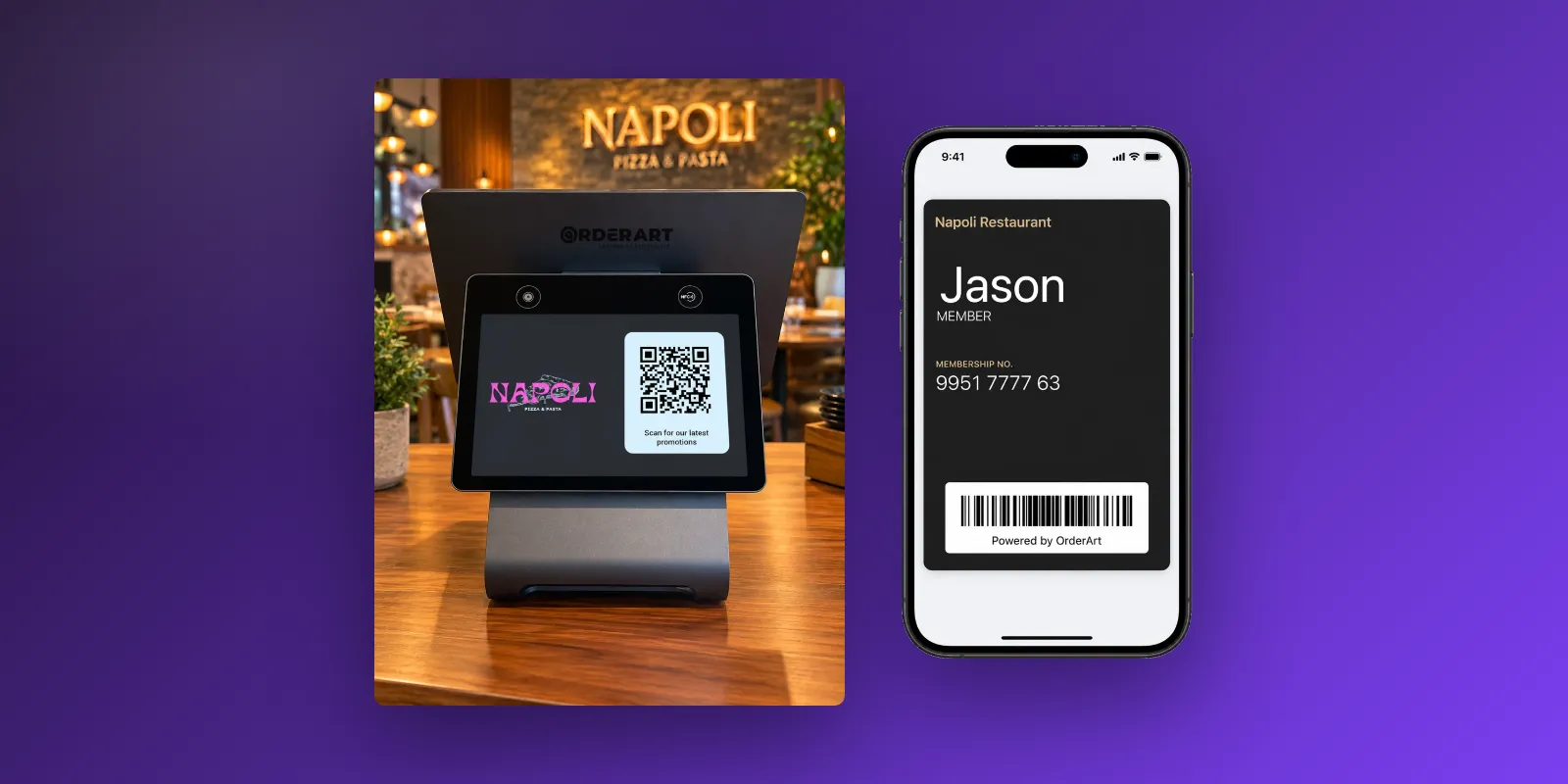
Promote desserts, drinks, events, Google reviews and your loyalty program while guests wait.
Choosing the right screen
| Spot | What to look for |
|---|---|
| Window (facing the street) | High brightness for daylight (window models are often 2,500 nits or more), heat resistance and a power timer. |
| Indoor menu board | Portrait or landscape to suit the wall, a size readable from the queue, and a frame that matches your fit-out. |
| Footpath | Weather resistance, a long battery life, lockable wheels and automatic brightness. |
| A TV you already own | Software that runs on your existing screen, so you only pay for content and scheduling. |
Content that works
- One offer per screen, with a big price and a photo of the actual dish
- Change content by time of day: what sells at 8am isn’t what sells at 8pm
- Short motion (a slow zoom or a price that pops) catches the eye more than a static poster
- Use the same promotion on your window, your website and your social posts
- Refresh regularly: a screen that never changes stops being noticed
What does digital signage cost?
You can buy screens outright and manage content yourself, or subscribe to a service that includes the screen, design and support. As an example, OrderArt’s signage subscriptions start at $99 a month inc GST for a 32-inch screen and $249 a month inc GST for a 55-inch double-sided window display, on a 24-month term with no deposit, including 200+ ready-made restaurant templates you edit and publish from your phone. Running AI-powered signage on a screen you already own starts at $49 a month per screen inc GST. See current pricing.
Templates and AI make updates fast
Modern signage software comes with image and video templates for portrait, landscape and stretch-bar screens. Pick a product or deal, ask the AI to adjust the wording, price or colours, and publish it to your screens in minutes, without a design tool.
Frequently asked questions
Are digital menu boards worth it for a small café?
If you change specials or prices more than a few times a year, usually yes: there’s no reprinting, and you can promote higher-margin items at the right time of day. Start with one well-placed screen.
How bright does a window display need to be?
Bright enough for direct sun. Street-facing window displays are commonly 2,500 nits or more; indoor screens are typically around 500–700 nits.
Can I use my own TV for digital signage?
Yes. Many services run on screens you already own. OrderArt’s AI-powered signage runs on your own screen from $49 a month per screen inc GST.
Who designs the content?
Either you, using templates, or the provider’s design team. With OrderArt you pick from 200+ restaurant templates, swap in a dish from your menu or a photo from your phone, and publish from your phone.