Self-ordering kiosks for restaurants: are they worth it?
A self-ordering kiosk lets guests browse your menu, customise their order and pay without queuing at the counter. Here’s where kiosks pay off, where they don’t, and what to check before you add one.
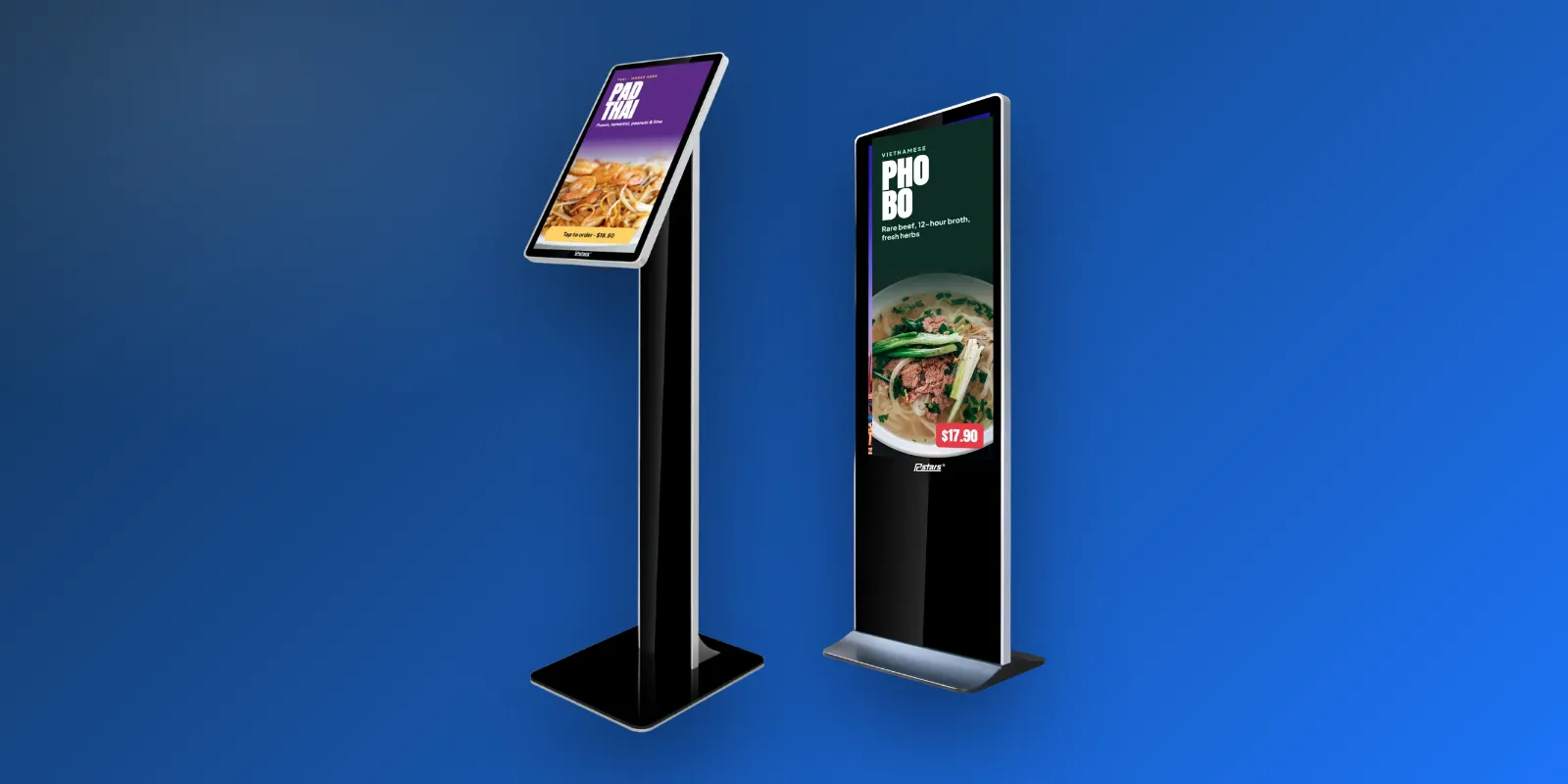
In short: a self-ordering kiosk is a touchscreen where guests place and pay for their own orders. Kiosks work best in busy quick-service and takeaway venues with queues and a menu that’s easy to customise. They need to share one menu with your POS and send orders straight to the kitchen.
What is a self-ordering kiosk?
A self-ordering kiosk (or kiosk ordering system) is a touchscreen, usually floor-standing or on a counter, where guests browse the menu, choose options and pay by card or phone. The order goes to the kitchen like any other, and the guest collects it when it’s called.
Where kiosks help
Several guests can order at once while staff focus on making and handing over food.
Every order is offered the same add-ons and meal upgrades, every time.
Guests choose their own modifiers, so fewer orders are misheard.
Fewer people on the register at peak, more on the line and the floor.
Where they don’t
Kiosks suit quick service better than fine dining, where guests expect table service. They also need upkeep: menu photos, sold-out items and prices must stay accurate, which is why a kiosk should run on the same menu as your POS and website rather than a separate system.
What to look for
- One menu shared with your POS, website and delivery channels
- Sold-out items hidden automatically
- Deals, modifiers and half-and-half handled properly
- Card and phone payments at the kiosk
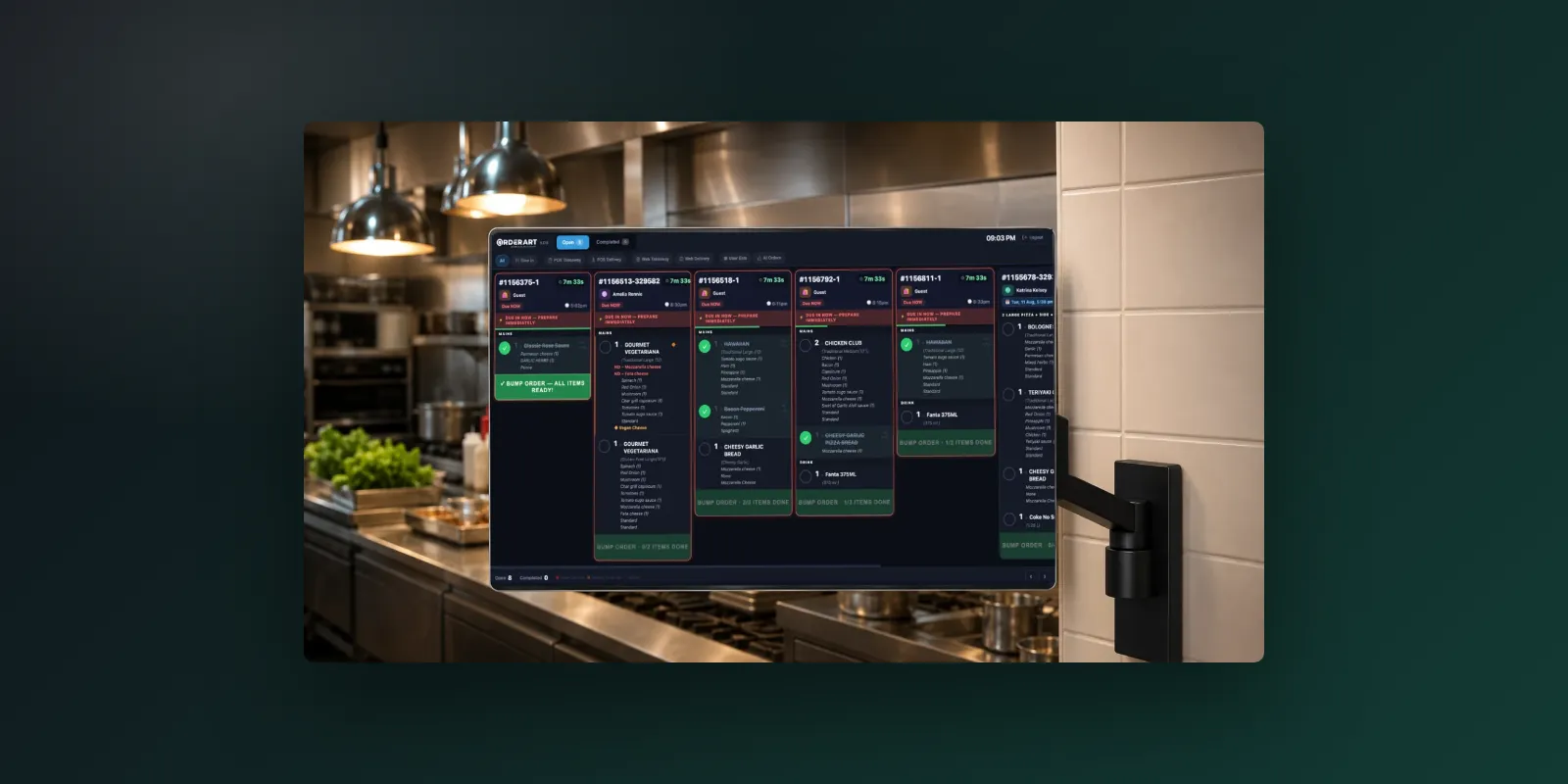
- Orders straight to your kitchen display or printers
- Clear photos and a simple, accessible layout
Other ways to shorten the queue with OrderArt
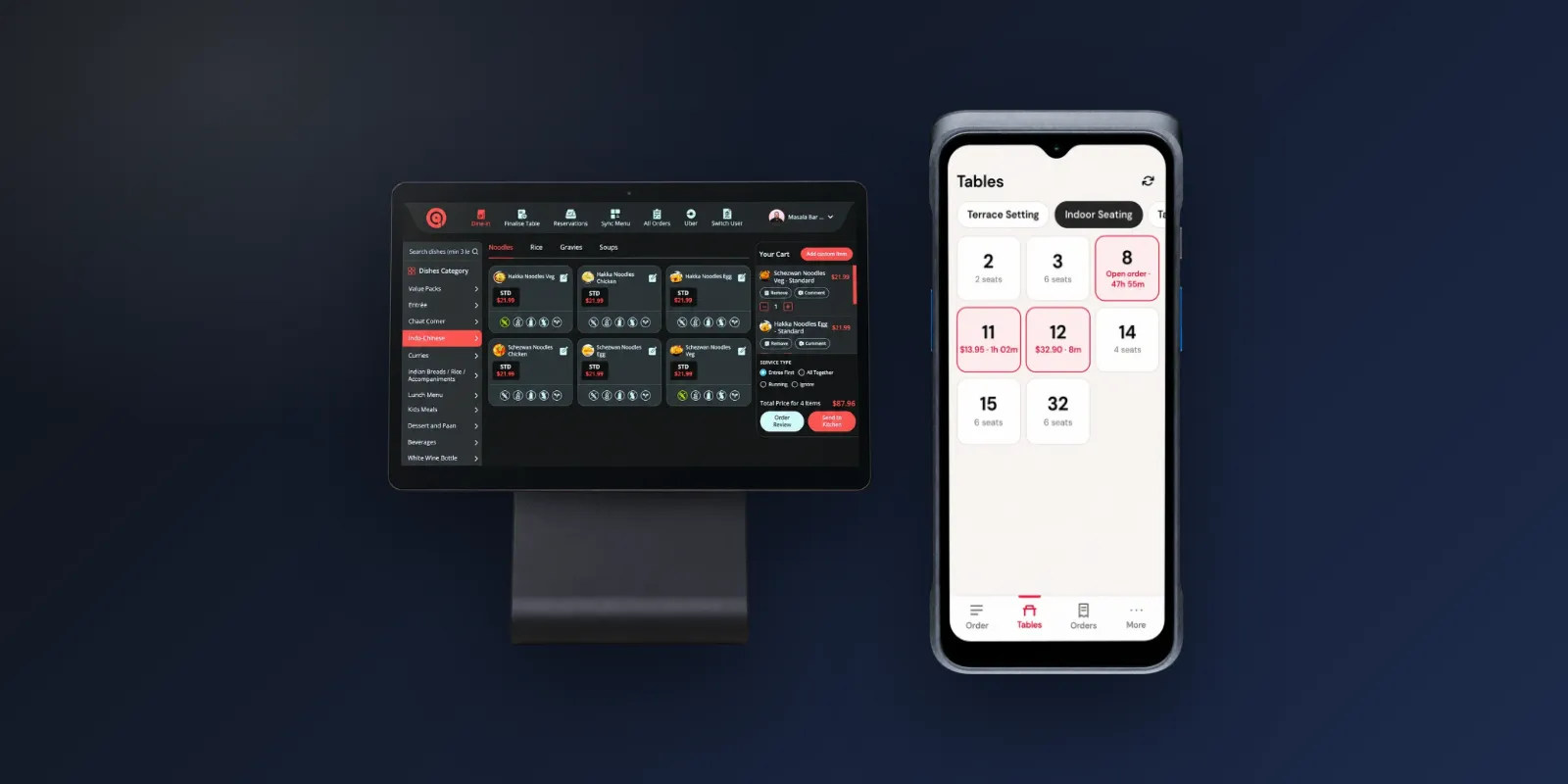
OrderArt doesn’t currently offer a self-ordering kiosk. If your goal is shorter queues and fewer missed upsells, you can get many of the same benefits from guests ordering ahead on your own commission-free ordering website and app, NFC table ordering, and staff taking orders anywhere in the venue on the OrderArt Handheld POS, all on one menu with your POS and kitchen display.
Frequently asked questions
Do self-ordering kiosks replace staff?
They change what staff do rather than replacing them: fewer people taking orders at peak, more people preparing food and looking after guests.
Are kiosks suitable for cafés?
They suit cafés with a queue at peak and a menu that’s easy to customise. In small cafés where regulars order at the counter, a fast POS and a loyalty card may matter more.
Can a kiosk show different menus at different times?
It should follow the same menu and availability rules as your POS, so breakfast and lunch menus switch over automatically.